


Information
Systems Consulting
We are a leading technology consultancy,
specializing in Microsoft Dynamics 365 implementations.
We are a leading technology consultancy, specializing in Microsoft Dynamics 365 implementations.
Microsoft Partner/Certifications
Microsoft Partner/Certifications
About Arquiconsult
Arquiconsult is a leading technology consultancy, specializing in Microsoft Dynamics 365 implementations. As a Certified Partner, our expert team is dedicated to continuously enhancing the Microsoft Dynamics ecosystem so you can accelerate growth and unlock your business’s full potential.
About Arquiconsult
Arquiconsult is a leading technology consultancy, specializing in Microsoft Dynamics 365 implementations. As a Certified Partner, our expert team is dedicated to continuously enhancing the Microsoft Dynamics ecosystem so you can accelerate growth and unlock your business’s full potential.
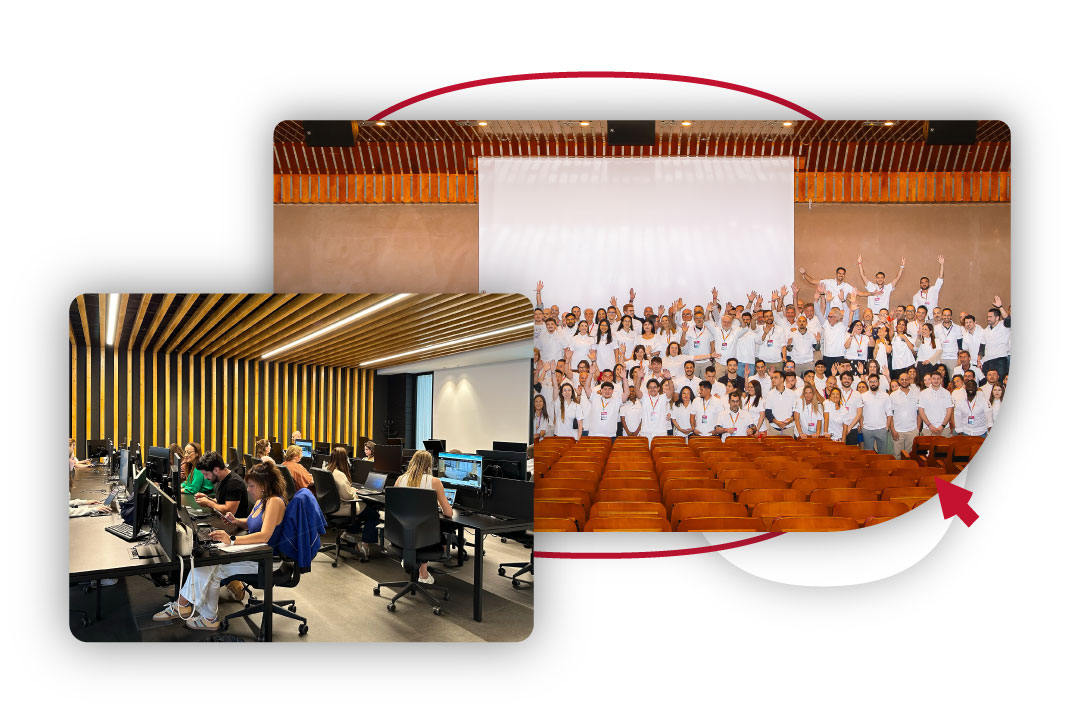
Over 450 consultants, highly skilled in integrating Microsoft Dynamics with other systems and
experienced in delivering international projects.
International Projects
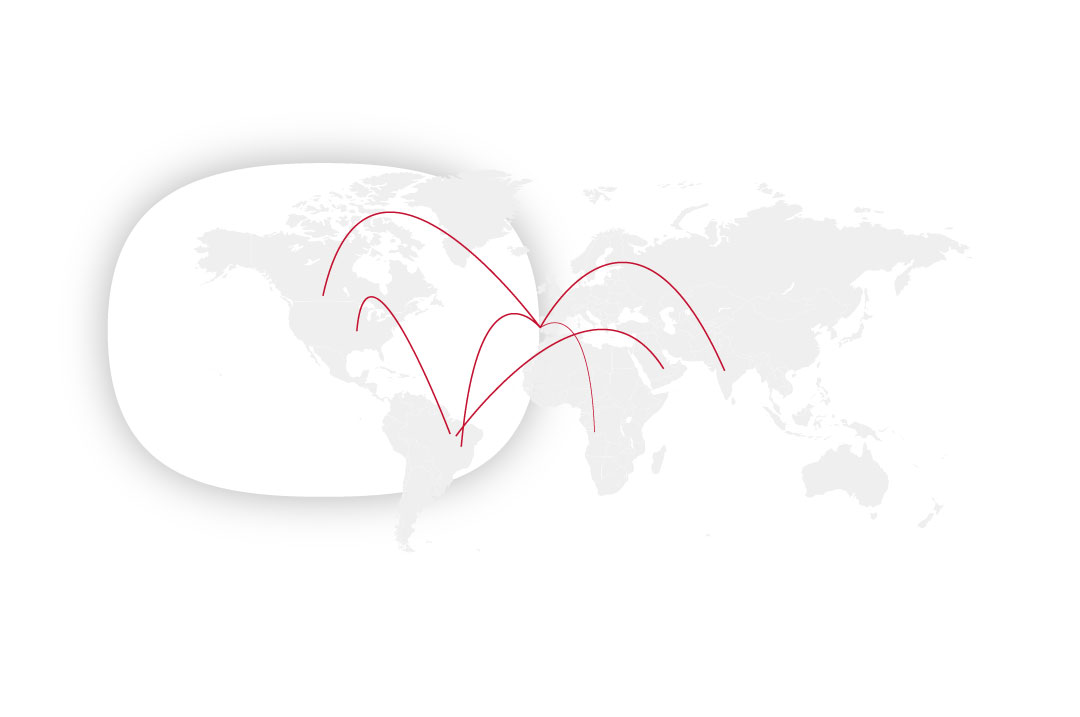
The key to a successful international project is the global knowledge vs the local. At Arquiconsult we have a multicultural team and a global network of strategic partners with the experience in project from several globe points that can support not only in the CORE model construction as in the different roll outs in several countries.
NEARSHORE
In short, it is nothing more than the transferring business processes to neighbouring countries or countries that are strategically located for the development of the activity. And for this process to be carried out well, you need a partner with experience and proven references.
International Projects
The key to a successful international project is the global knowledge vs the local. At Arquiconsult we have a multicultural team and a global network of strategic partners with the experience in project from several globe points that can support not only in the CORE model construction as in the different roll outs in several countries.
NEARSHORE
In short, it is nothing more than the transferring business processes to neighbouring countries or countries that are strategically located for the development of the activity. And for this process to be carried out well, you need a partner with experience and proven references.

Our Solutions
Copilot
AI Acceleration
Services
ERP Microsoft
Dynamics 365 FO
ERP Microsoft
Dynamics 365 BC
Microsoft D365
Customer Insigths
Microsoft
Azure
Microsoft
Fabric
Data Analytics
Solutions
Microsoft
Power Platform
Our Solutions
Copilot AI Acceleration Services
ERP Microsoft Dynamics 365 FO
ERP Microsoft Dynamics 365 BC
Copilot AI Acceleration Services
Copilot AI Acceleration Services
Microsoft Fabric
Data Analytics Solutions
Microsoft Power Platform
Events
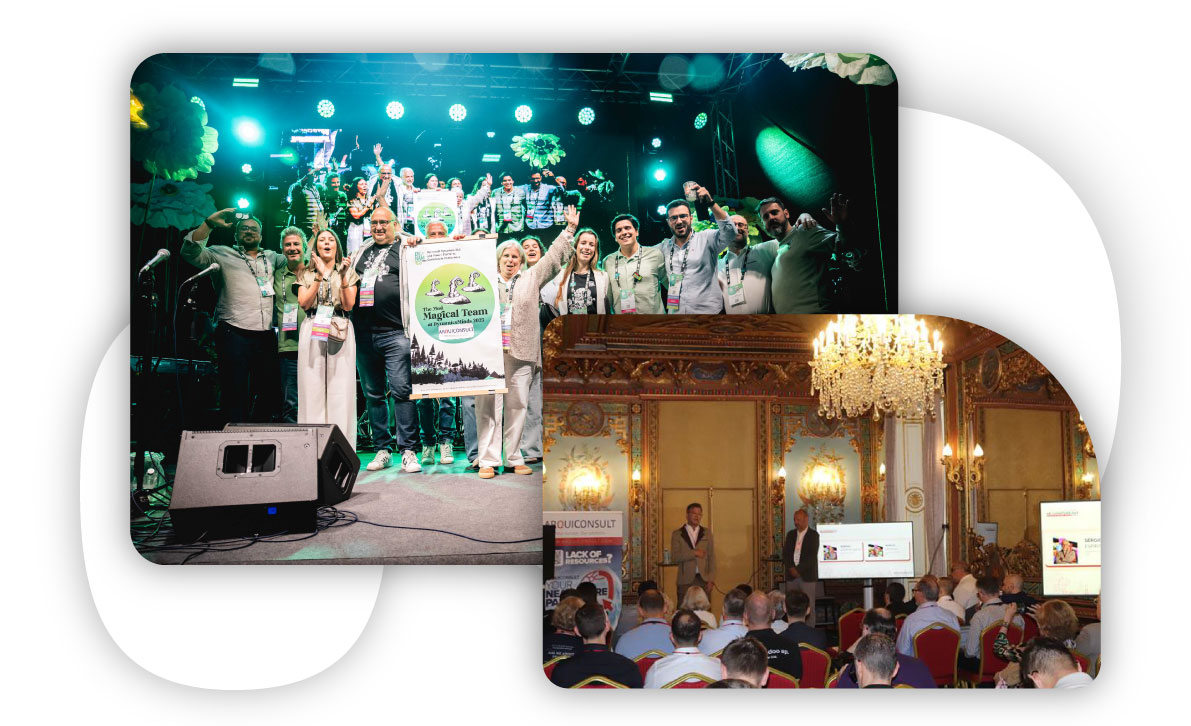
You can meet our team in person and join us at upcoming events.
You can also discover the places where we have already been present and learn more about our journey.
Events
You can meet our team in person and join us at upcoming events.
You can also discover the places where we have already been present and learn more about our journey.





















Our Clients